Many smartphone users find themselves unlocking their devices repeatedly throughout the day. This habit often leads to picking up the phone for one task, only to get distracted by another notification or app.
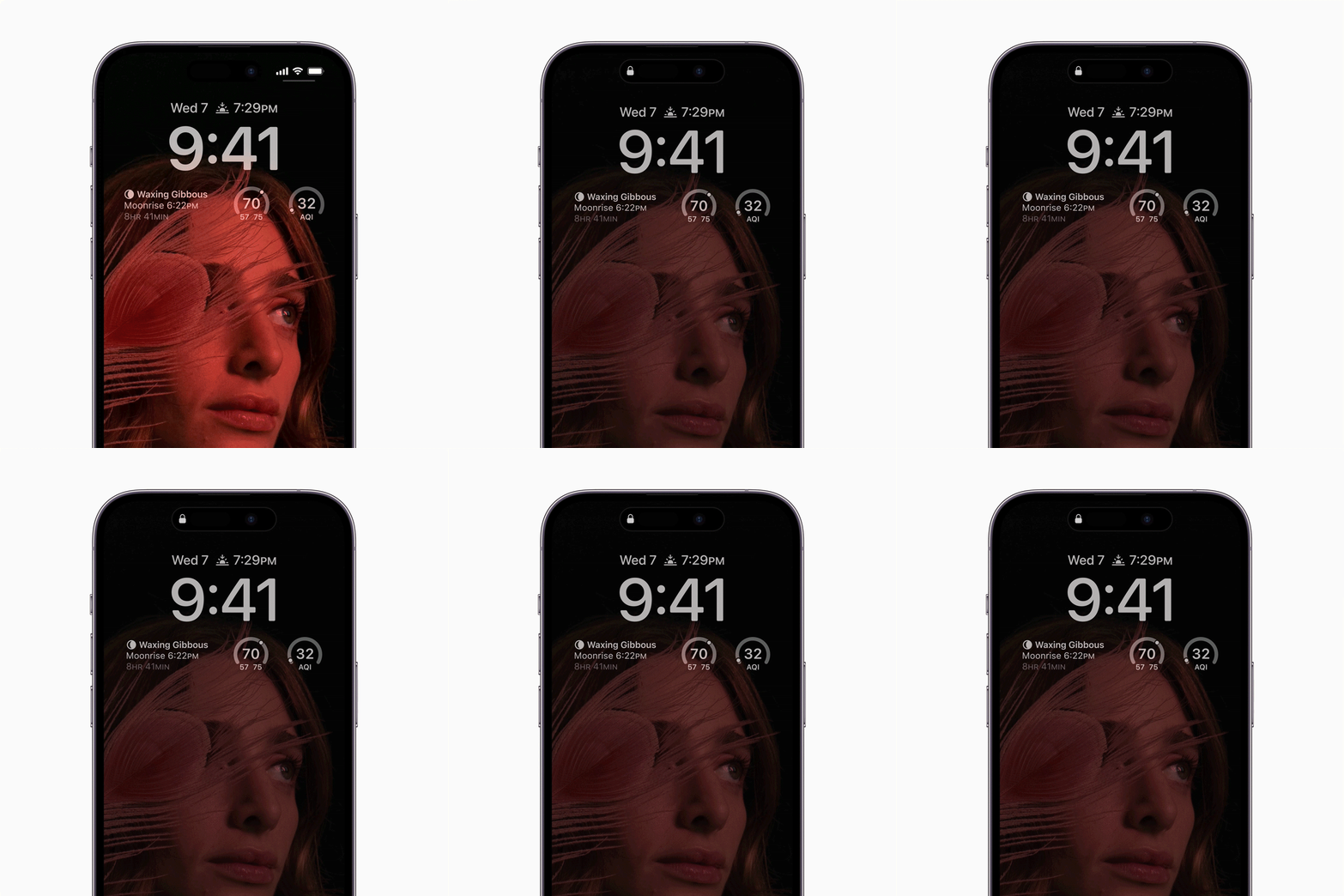
The always-on display feature offers a practical solution. It allows users to see essential information without fully waking the screen. This includes the time, date, and recent notifications.
Users can customize this display to show calendar events, weather updates, or battery status. This reduces the need to unlock the phone for quick checks.
Both iPhone and Android devices support this feature, though settings vary by manufacturer. On iPhones, the always-on display is available on newer Pro models.
Android users can typically find the setting under the display or lock screen menu. Some devices offer additional options like personal photos or animated text.
The goal is to minimize screen time while maintaining access to necessary data. This setup helps users stay focused on their current task.
Setting up the always-on display usually takes less than a minute. It is a small adjustment that can significantly change daily phone habits.